
Password manager for Android
SaQura Pass: your passwords stay on your phone.
SaQura Pass keeps your logins, notes, cards and identity details encrypted on your Android phone. You need no account and no cloud. The encryption is built to be quantum-safe.

- Free on Google Play
- Android 9 and later
Features
What SaQura Pass does for you
Everything stays on your phone
Your keychain lives encrypted on your phone. You never sign up, and you never hand over an e-mail address or phone number.
Quantum-safe encryption
SaQura Pass pairs your phone's hardware protection with quantum-safe encryption, so your keychain is prepared for the quantum computers to come.
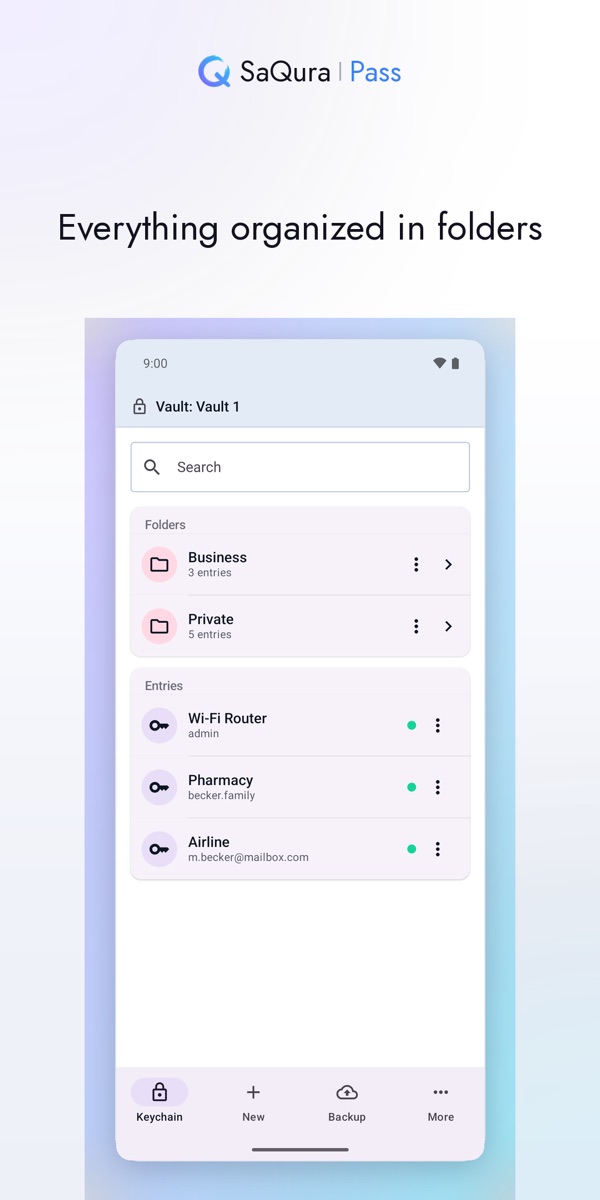
Organized in folders
Keep private and work apart in folders of their own. Search finds entries across every folder.
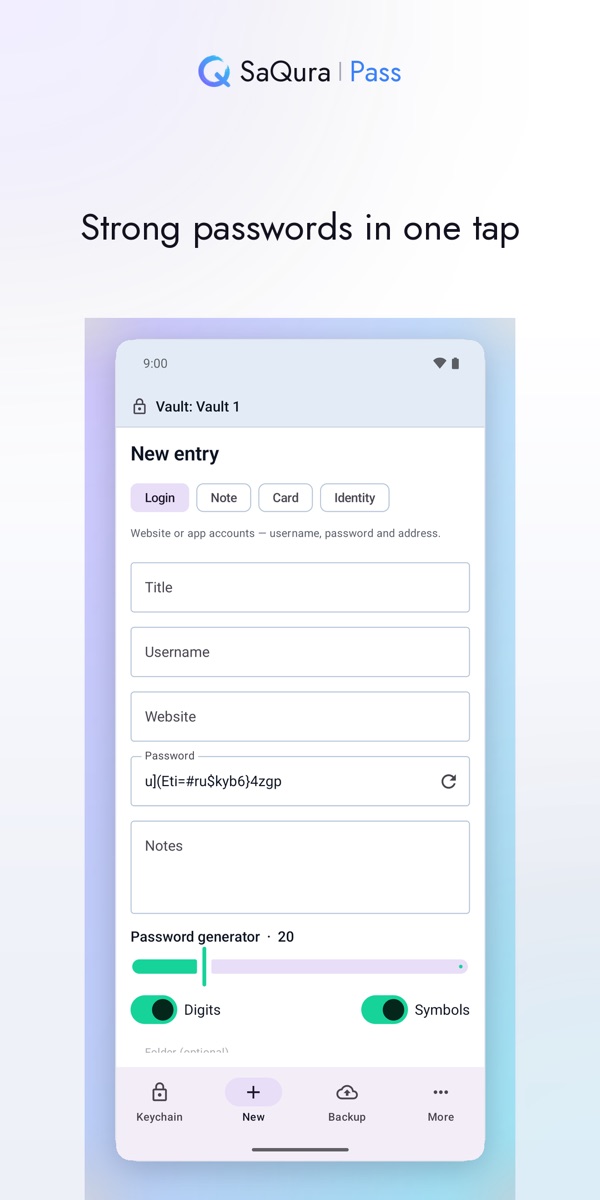
Strong passwords in one tap
The built-in generator creates a strong password right when you add an entry.
Move over from another password manager
Export your entries from the app you use today and bring them into SaQura Pass. Before importing, the app shows you what it found.
Unlock with fingerprint or face
Whatever your phone offers. A master password is always there as a second way in.
Automatic backups
SaQura Pass creates encrypted backups on its own. Save any backup as a file and restore from it whenever you need to.
No tracking, no ads
The app collects no data about you. Its data safety section on Google Play says the same.
Your emergency key
Twelve words only you know
When you set it up, SaQura Pass creates a recovery phrase of twelve words. Write it down and keep it somewhere safe.
If your phone is lost or replaced, these words bring your keychain back. Nobody else can do that for you, not even KyotoTech. That is exactly what keeps your data private.
Free and Pro
Protection is always free
Everything that keeps your data safe costs nothing and stays that way. SaQura Pass Pro adds more room and convenience. You buy Pro once in the app and keep it, with no subscription.
Included for free
- Quantum-safe encryption
- Automatic backups (up to 25)
- Import from other password managers
- Folders and search
- Password generator
SaQura Pass Pro
- Separate vaults, for example private and work, all from one recovery phrase
- Attach files to entries, such as a passport or a contract
- Every earlier password of an entry
- Up to 100 automatic backups
- The Quantum and Obsidian designs
Google Play shows you the price for Pro inside the app.
Get SaQura Pass
Free on Google Play, for phones running Android 9 or later. The app speaks English, German, Japanese and Thai.
Privacy policyTerms of useContact
Google Play and the Google Play logo are trademarks of Google LLC.